Black & white photos · Same size · Up to 5 images
Image Grayscale Tool
See the tones.
Leave the colour behind.
Turn colour photos and graphics into shades of gray without changing their size. Switch back to colour to compare, then save single files or a ZIP. Grayscale is not a two-tone threshold or a way to bring colour back later.
Add images to convert
Drag and drop, paste, or choose up to 5 images.
JPG · PNG · WebP · BMP · GIF · SVG · HEIC · 10 MB each
Checking available output formats…
Choose gray or colour for each image, then convert.
Live grayscale preview
Settings guide
Choose the effect. Then choose the file type.
Grayscale starts on for every new image. Switch it off to see the original colour before you save.
| Control | What it changes | Recommended use | What to check |
|---|---|---|---|
| Grayscale on / off | Replaces each pixel's colour with one rounded gray value. | Compare before saving | Switch off to see the loaded colour image again. |
| All gray / All colour | Sets the effect on or off for every image. | Same state for the batch | These buttons set one state, so a mixed batch becomes consistent. |
| Output format | PNG, JPG or WebP (when listed), chosen per image. | JPG for photos | PNG and WebP keep transparency; JPG fills it with white. |
| Quality | Changes JPG and WebP compression, not the gray values. | Start at 0.92 | Need a KB limit? Convert here, then use the Image Compressor. |
| Convert / Convert all | Creates the file for one image, or for each image in turn. | Inspect the result | Changing the effect, format or quality clears the earlier file. |
| Download ZIP | Saves all ready files in one archive. | ZIP for 2+ files | A colour copy is included if its effect was off when converted. |
The actual pixel rule
A weighted RGB mix. Not a colour-management promise.
Gray = round(0.299 × R + 0.587 × G + 0.114 × B). The same value is written to red, green and blue, and transparency is kept until a JPG white fill. The inputs are the colour values your browser decodes; this is not a linear-light or ICC-profile workflow.
| Opaque source colour | Rounded gray value | Output RGB |
|---|---|---|
| 255, 0, 0 · red | 76 | 76, 76, 76 |
| 0, 255, 0 · green | 150 | 150, 150, 150 |
| 0, 0, 255 · blue | 29 | 29, 29, 29 |
| 255, 255, 255 · white | 255 | 255, 255, 255 |
These are calculated examples for opaque colours, not measured printer, display or perceived-quality results.
Before & after
Colour becomes a range of gray values
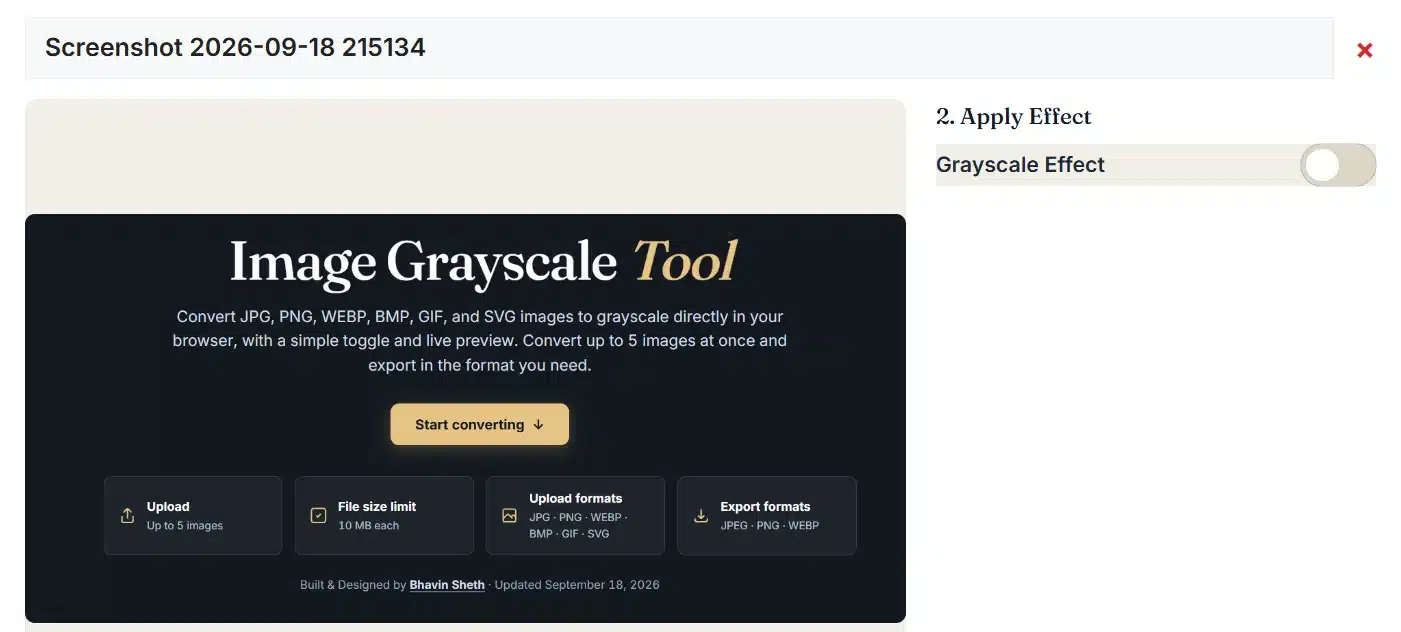
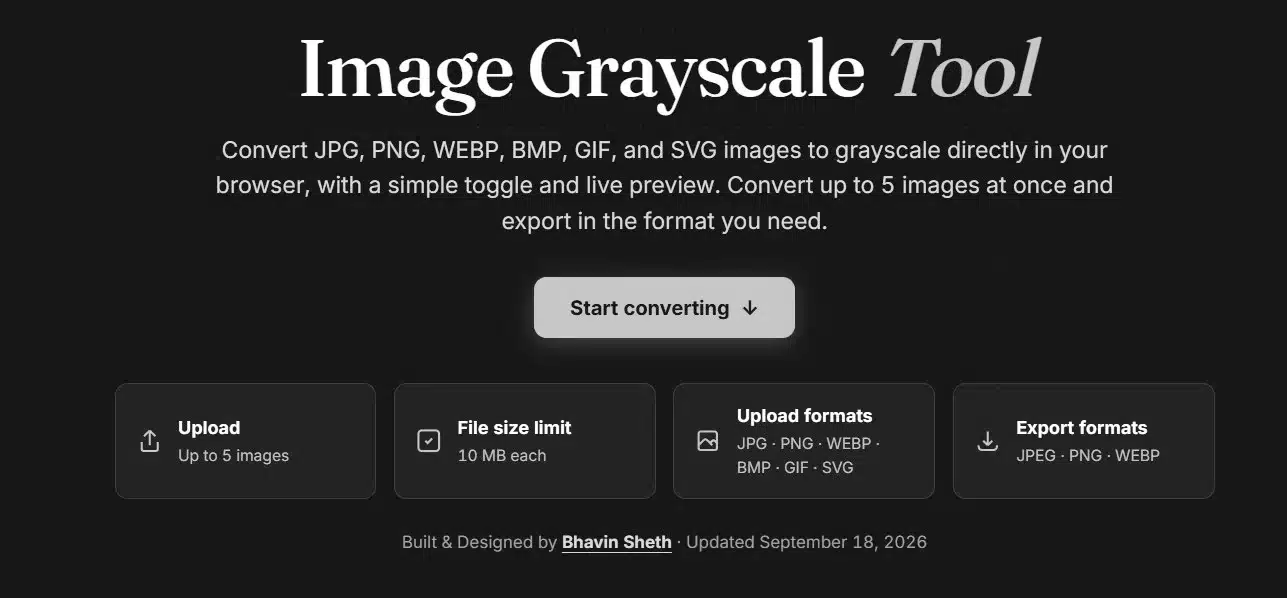
These images illustrate the change from colour to gray. Labels and dates in the screenshots are part of the illustration, not your current result or a measured benchmark.
Processing notes
One decoded source. A clear export path.
The colour version stays in the workspace, so you can switch back and forth without compressing an earlier result again.
What happens to your images
What changes and what stays
Remove the colour. Keep the framing.
| Use | Recommended settings | What to check |
|---|---|---|
| A black and white version of a photo | Grayscale on · JPG | The full image and its size stay the same; no sharpening or contrast curve is added. |
| A grayscale scan for an Indian online form | Grayscale on · JPG | Some forms ask for gray scans of documents or signatures. Match the notice's pixel size with the Image Resizer and its KB limit with the Image Compressor. |
| Check whether a design relies on colour | Switch the effect on and off | Different colours can become similar grays. This comparison does not calculate contrast ratios or WCAG compliance. |
| Hand an image to another editor | Grayscale on · PNG | This is not a press proof, CMYK separation or pure black-and-white scan. |
| Keep the colour version too | All colour · Convert all | A saved gray file cannot get its colours back, so keep your original. |
Output behaviour
Gray conversion and file format are separate choices
JPG photos stay JPG by default; other images default to PNG.
| Output | Transparent areas | Quality setting | Practical consideration |
|---|---|---|---|
| PNG | Kept | Not used | No lossy compression; the file can grow or shrink after conversion. |
| JPG | Filled with white | 0.10–1.00 | Usually smaller for photos; edges and fine texture can show compression artifacts. |
| WebP | Kept | 0.10–1.00 | Listed only after a real WebP encoding test in this browser. |
Troubleshooting
Check the effect state. Then inspect the file.
The picture still has colour
The effect may be off for that image.
- Check that the button shows Grayscale on.
- Use All gray to switch every image on.
- Press Convert image again after switching.
Two colours look the same
Different colours can produce almost the same gray value.
- This is expected when colour is removed.
- Adjust contrast with the Image Contrast Adjuster.
- Use an editor for selective channel mixing.
Transparency looks white
JPG cannot store transparent areas.
- Choose PNG, or WebP when it is offered.
- The preview checkerboard is not saved.
- Check the file on a coloured background.
A converted file disappeared
Changing the effect, format or quality clears the earlier file.
- Press Convert image or Convert all again.
- The ZIP includes only images that are ready.
- Failed images are listed in the message above.
Grayscale questions
Before you save the result
How do I turn a colour image into grayscale?
Add an image; grayscale starts on automatically. Switch the effect off if you want to compare with the colour version. Choose PNG, JPG or WebP when listed, press Convert image, then inspect or download the file. Its width and height stay the same.
Which grayscale formula does this tool use?
For each pixel, the tool rounds 0.299 × red + 0.587 × green + 0.114 × blue and writes the result to all three colour channels. Transparency is kept until a JPG white fill. This weighted mix uses the decoded colour values; it is not a colour-managed or print-accurate luminance conversion.
Is grayscale the same as pure black and white?
No. Grayscale keeps every shade between black and white. This tool does not apply a two-tone threshold, halftone, dithering, contrast boost or print profile, and it has no strength slider for partial desaturation.
Does conversion change the image dimensions?
No. The saved file has the same pixel width and height as the source. Nothing is cropped, rotated, resized or padded. Only the preview is reduced to fit 900 pixels.
Can I get the original colours back after saving?
While the image is still in this workspace, switch the effect off to see its colour again; your original file is never changed. A saved grayscale file has lost its colour information, and adding it back here cannot restore it. Keep the colour original if you need it.
Can I convert several images to grayscale at once?
Yes. Add up to five images. All gray switches the effect on for every image and All colour switches it off; both set one shared state. Each image can still be changed on its own. Convert all creates the files one by one and reports how many succeeded or failed.
How do I save all the gray images at once?
Download ZIP saves every ready image in one archive without changing its bytes. If only some images are ready, the button shows how many and leaves the rest out. Names end in -grayscale or -color, duplicates get a number, and single downloads remain available.
Which photos can I turn gray, and how large can they be?
You can convert JPG/JPEG, PNG, WebP, BMP, GIF, HEIC/HEIF and self-contained SVG images, up to five at a time and 10 MB each. Each image may be up to 20 MP and 16,384 px per side, with 40 MP across the batch and 96 MB per saved file. An SVG must state its width and height in pixels.
Will transparent pixels stay transparent?
PNG and WebP keep transparent areas. JPG cannot, so this tool fills them with white after converting the colours. The checkerboard in the preview only shows transparency and is not saved. Partly transparent edges can round slightly in the browser.
Does the quality setting change the gray values?
No. Quality affects only JPG and WebP compression; PNG ignores it. It does not change the formula, add detail or measure visual quality. The live preview is shown before compression, so inspect the saved file to judge artifacts and size.
Why did a converted image or the ZIP disappear?
Changing the effect, format or quality clears that image's earlier file and the ZIP, so an outdated result is not saved. Press Convert again. Renaming keeps the converted pixels but rebuilds the ZIP. Reset this image restores grayscale on with the default format and quality.
Do my images stay private, and what happens to animation?
Images are converted and zipped in your browser and are not sent to our server. Only when your browser cannot open a HEIC photo itself is a decoder fetched from jsDelivr, without your image. A GIF uses its first frame and SVG becomes pixels; animation, layers and metadata are not kept.
Can I stop converting, and why might the result look different?
Stop cancels the image in progress and skips the remaining ones; completed files can still be downloaded. Removing colour can make different hues look alike, and browser colour handling, partial transparency, preview reduction and JPG or WebP compression can also change the appearance. Check contrast and print results yourself before relying on them.
Continue editing
Choose the next image operation
Ready to see it in grayscale?
Head back to your images, or look through every image tool.