Whole-photo blur · 0–20 px · Up to 5 images
Image Blur Tool
Soften the detail.
Keep the full frame.
Blur an entire photo by 0 to 20 pixels, check the live preview and save JPG, PNG or WebP at the original size. There is no area selection or face detection, and blur is not secure redaction for private details.
Add images to blur
Drag and drop, paste, or choose up to 5 images.
JPG · PNG · WebP · BMP · GIF · SVG · HEIC · 10 MB each
Checking available output formats…
Set a blur amount for each image, then blur.
Live blur preview
Blur & download
0 keeps the image sharp. New images start at 4 px; the preview scales the blur to its smaller size.
Settings guide
Blur amount and file format do different jobs
The blur slider changes the picture. The format and quality only change how the result is saved.
| Control | Behaviour | Recommended use | Concrete example |
|---|---|---|---|
| Blur amount | Sets a whole-image Gaussian blur in pixels of the original image. | Start at 4 px | 0 is sharp; the range is 0–20 in 0.1 steps. |
| Live preview | Shows a smaller view with the blur scaled to match. | Judge the look | A 2000 px-wide photo shown at 900 px uses 45% of the blur in the preview. |
| Apply to all / Clear blur | Gives every image the amount in the batch box, or 0. | Same look for a set | Names and formats stay as they were. |
| Output format and quality | JPG photos stay JPG by default; quality changes JPG and WebP compression only. | PNG for transparency | Need a KB limit? Blur here, then use the Image Compressor. |
| Blur all / Download ZIP | Creates each file in turn, then saves the ready ones together. | ZIP for 2+ files | Images changed after blurring are left out until blurred again. |
Source pixels, not a percentage
The same amount can look different at different sizes
A small icon and a large photo
4 px covers a much larger share of a 100 px icon than of a 4000 px photo. The number alone does not tell you how recognisable the detail stays.
Preview versus saved file
The preview scales the blur with its size. Check the saved file at the size it will be shown; reduction and compression change how soft edges look.
No extra border
Edge pixels are repeated in a temporary larger canvas, blurred, then cropped back to the original size. That working space is never saved.
Transparency is blurred too
The blur mixes transparency as well as colour, so the edges of transparent shapes become soft. An opaque photo does not gain a faded outer band.
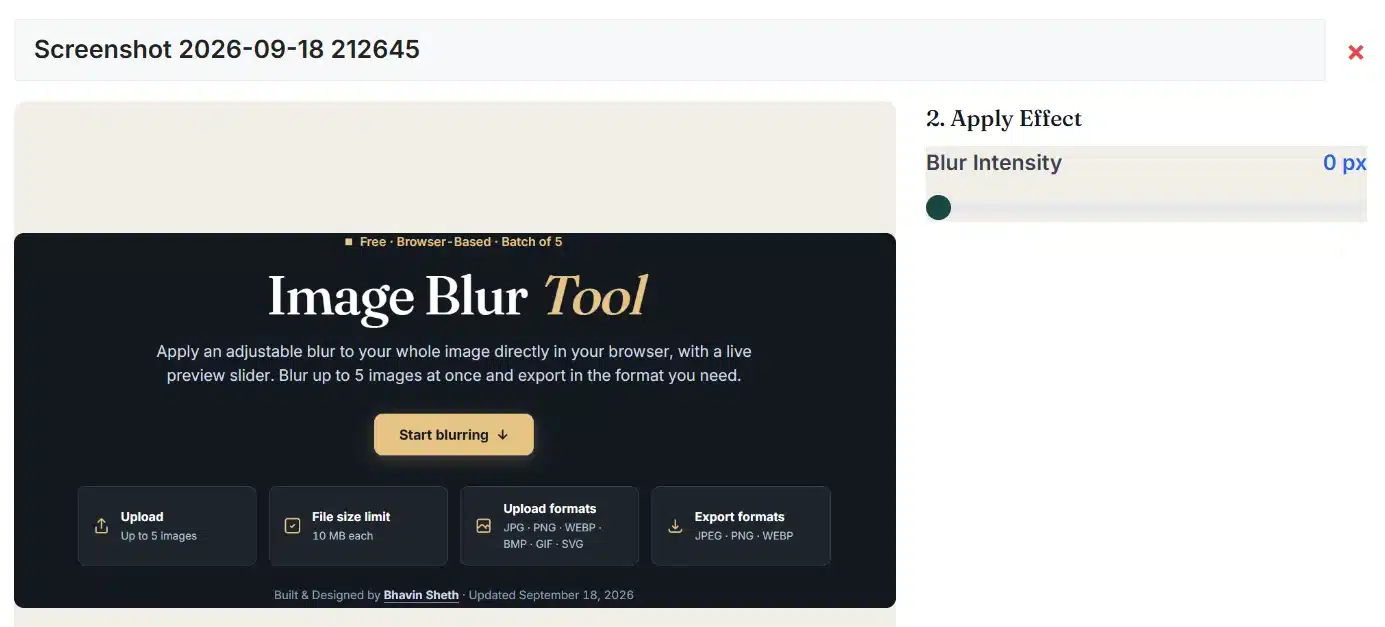
Before & after
Fine detail becomes a softer transition
These images illustrate blur. They are separate from your live result and are not a measured quality, privacy or file-size benchmark.
Processing notes
Local rendering. Explicit limits.
The browser's own canvas blur does the work, after a quick test that it really blurs pixels.
What happens to your images
Use-case boundaries
Whole-image softening. No local selection.
| Use | Recommended settings | What to check |
|---|---|---|
| A soft background image behind text | 6–12 px · JPG | Place your text over it in your design tool; this tool adds no text or overlay. |
| A gently softened photo | 1–3 px · JPG | Inspect at the real display size; small amounts are easy to overdo. |
| A blurred WhatsApp or website banner background | 8–15 px · then resize | Match the required size afterwards with the Image Resizer. |
| Blur only the background or one face | Not possible here | Use an editor with selections or masks; this tool blurs the whole frame. |
| Hide private details in a screenshot | Do not rely on blur | Crop the details out with the Image Cropper or cover them completely, then check before sharing. |
Output choices
Keep the soft transparency. Or fill it white.
| Output | Transparency | Quality setting | Consideration |
|---|---|---|---|
| PNG | Blurred transparency kept | Not used | No lossy compression, though a blurred photo can still be a large file. |
| JPG | Filled with white after blurring | 0.10–1.00 | Usually the smallest file for photos; check the saved result. |
| WebP | Blurred transparency kept | 0.10–1.00 | Listed only after this browser passes a WebP test. |
Troubleshooting
Check the browser. Then the amount.
The blur test failed
Some older browsers, such as Safari before version 18, cannot draw canvas blur.
- Update your browser, or use a current Chrome, Edge or Firefox.
- The summary panel shows whether the test passed.
- With 0 px you can still save an unchanged copy.
A saved file cannot be made sharp again
Setting 0 redraws the image still loaded here; it cannot rebuild detail lost in a blurred file.
- Keep your original photo.
- Set 0 before blurring to compare.
- Blur again from the original if needed.
The PNG and JPG look different
PNG keeps soft transparent edges; JPG fills them with white and compresses the image.
- Choose PNG or WebP to keep transparency.
- Raise the quality for fewer JPG artifacts.
- Inspect the result before downloading.
A result is missing from the ZIP
Changing the blur, format or quality clears that image's earlier file.
- Press Blur image or Blur all again.
- Look for “Not blurred yet” in the image list.
- The notice names every image that failed.
Blur questions
Before you save the softer image
How do I blur a whole image?
Add an image; it starts with a 4 px blur. Move the slider or type an amount from 0 to 20 in 0.1 steps, choose a format and press Blur image. Inspect the result, then download it. Your browser must pass the blur test shown in the summary panel.
What does the blur amount mean?
It is the radius of the browser's Gaussian blur, measured in pixels of your original image. The preview uses a smaller, matching amount; the saved file uses your amount at full size. It is not a percentage or a promise that details become unreadable, and very close amounts can look the same.
Can I blur just a face, number plate or background?
No. One blur amount applies to the entire image. There is no selection brush, mask, face detection or background separation. Use an editor with selection tools for partial blur.
Is blurring a safe way to hide private information?
No. Blurred text, faces and numbers can still be recognised or partly recovered, depending on the image and the amount, and this tool does not measure privacy. Crop the information out or cover it completely before sharing.
Why are the image edges padded while blurring?
The outer pixels are repeated into a temporary larger canvas, blurred, and then the original-sized centre is saved. This stops an opaque photo from fading into an empty border. No margin is added to your file.
Does blur keep the image size and transparency?
The saved file has the same pixel width and height, with no crop, resize or border. Blur mixes colour and transparency, so transparent edges become soft. PNG and WebP keep that soft transparency; JPG fills it with white after blurring.
Can I get the sharp image back?
While the image is still loaded here, setting the amount to 0 shows it sharp again; your original file is never changed. A saved blurred file has lost detail that cannot be restored. Reset this image returns to 4 px with the default format and quality.
How do I use the same blur on several images?
Add up to five images, type an amount in the batch box and press Apply to all. Clear blur sets every image to 0 without changing names or formats. Each image can still have its own amount. Blur all creates the files one by one and reports how many succeeded or failed.
How do I download all blurred images at once?
Use Download ZIP. It packs every ready file without re-encoding it; if only some are ready, the button shows how many and leaves the rest out. Names end in -blurred or -unblurred, repeated names get a number, and single downloads still work.
Which images and sizes can I blur?
You can blur JPG/JPEG, PNG, WebP, BMP, GIF, HEIC/HEIF and self-contained SVG images, up to five at a time and 10 MB each. Limits: 20 MP and 16,384 px on any side per image, 40 MP for the whole batch, and 96 MB for each saved file. The temporary blur canvas is limited to 24 MP.
What if my browser cannot draw the blur?
The tool tests real pixel blurring when the page opens. If the test fails, any blur above 0 stops with a clear message instead of saving an unchanged image as blurred. Older Safari versions are a common cause; update the browser or use another one. A 0 px copy can still be saved.
Do quality settings affect how blurry the image looks?
No. Quality changes only JPG and WebP compression, and PNG ignores it; the blur amount is a separate control. The preview is shown before compression, so inspect the saved file at its real size. Changing the blur, format or quality clears the earlier file and the ZIP.
Do my photos stay private, and can I stop blurring?
Your photos are blurred and zipped in your browser and are not sent to our server; only a HEIC photo the browser cannot open itself downloads a decoder from jsDelivr, without your image. Stop cancels the image in progress after its current drawing step and skips the rest. GIFs use one frame and SVGs become pixels.
Ready to soften the whole image?
Return to your blur settings, or see the other image tools.