
Image Cropper – Free Online Image Cropping Tool

Professional Image Cropper Tool

Crop your images with precision using our free Image Cropper. Whether you need a square, rectangle, or custom crop, this tool lets you easily adjust dimensions and framing. Upload your image, select the area, and download the perfectly cropped version instantly — no watermarks, no sign-up.
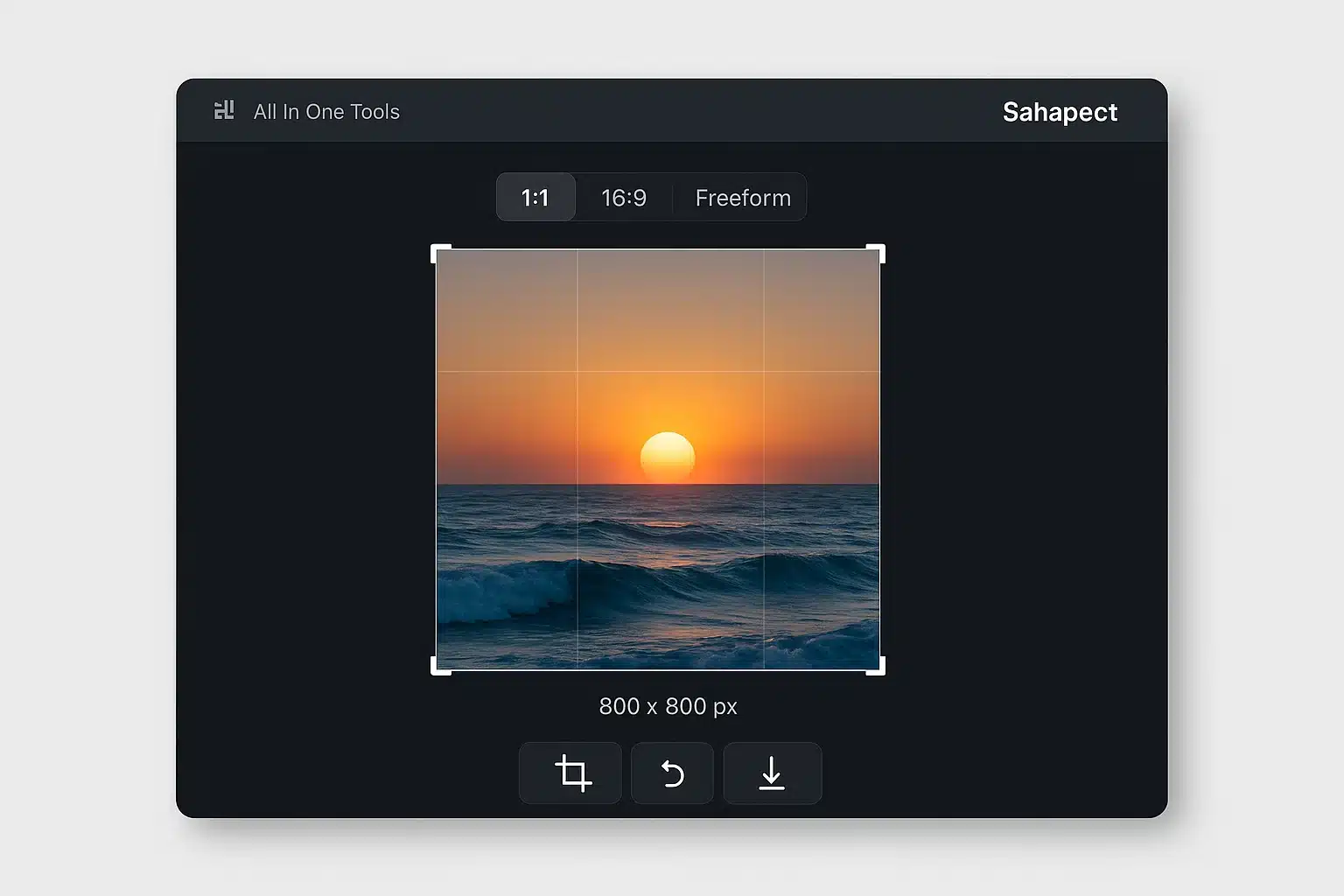
Image Cropper Preview

Crop Images Online Instantly – Fast, Free & Secure

Use our powerful online image cropper to trim and adjust your images with pixel-perfect precision. Supports JPG, PNG, WebP, and more formats. Enjoy instant cropping, aspect ratio locking, rotation, and more – all without uploading your files.

Secure & Private

Your images are never uploaded — all cropping is done in your browser for full privacy.

Lightning Fast Performance

Crop and download images in seconds. No delays, no server wait — just pure speed.

High-Quality Output

Maintain sharpness and clarity after every crop with our advanced in-browser algorithms.

Crop Your Image

Upload your image and start cropping with our professional tools

Drop your image here

or click to browse

Supports: JPG, PNG, WEBP, GIF, BMP, SVG, HEIC, TIFF, PDF
Max size: 10MB

How It Works & Tool Guide

Follow these simple steps and understand the powerful tools at your disposal to achieve the perfect crop.

1. Upload Your Image

Begin by dragging and dropping your image file onto the upload area, or simply click the area to browse and select a file from your device. We support a wide range of formats, including JPG, PNG, WEBP, and even PDF documents.

2. Understand the Interface

Main Image Viewer

This is your primary workspace. The blue dashed box is your crop selection. You can drag it to move or use the handles to resize.

  • Zoom Controls: Use the and buttons or the slider on the viewer to zoom in for precise adjustments or zoom out to see the full picture.
  • Image Info: Above the viewer, you can see the original dimensions and file size of your uploaded image.

Preview Panel

The preview panel on the right shows you a real-time result of what your final cropped image will look like. It updates instantly as you make changes.

  • Cropped Info: Above the preview, you can see the target dimensions and output format of your cropped image.

3. Use the Crop Controls

Aspect Ratio

This locks the width-to-height ratio of your crop box. It's perfect for social media posts or standard photo sizes.

  • Freeform: Unlocks the ratio for a completely custom shape.
  • 1:1 (Square): Ideal for profile pictures and Instagram posts.
  • 4:3 & 16:9: Standard ratios for photography and video thumbnails.

Crop Dimensions (pixels)

Manually enter the exact pixel width and height you want for your final image. The crop box will resize accordingly. If an aspect ratio is locked, changing one value will automatically update the other.

Transform

Make quick adjustments to the orientation of your image within the crop box.

  • Rotate: Turn the image left or right by 90 degrees.
  • Flip: Create a mirror image, either horizontally or vertically.

4. Finalize & Download

Output Format & Quality

Choose the file type for your downloaded image (PNG, JPG, etc.). For JPG and WEBP formats, a "Quality" slider will appear, allowing you to balance file size with image quality.

Filename

Give your cropped image a custom name before downloading.

Crop & Download

When you are satisfied with your preview, click this button to process and download the final image directly to your device.

Reset

Click this button at any time to discard all your changes and start over with the original image.

Why Choose Our Image Cropper?

Professional features that make image cropping simple and effective

No Upload Required

Your images are processed locally in your browser. No server upload means complete privacy and security.

Lightning Fast

Instant processing with no waiting time. Crop and convert multiple images in seconds.

Completely Free

No subscriptions, no hidden fees, no watermarks. All features are free to use forever.

Multiple Formats

Support for 9+ input formats and 7+ output formats including JPG, PNG, WEBP, PDF, and more.

Mobile Friendly

Works perfectly on desktop, tablet, and mobile devices. Responsive design for all screen sizes.

Professional Tools

Advanced features like aspect ratio locking, rotation, flip, zoom, and precise dimension control.

Perfect For Every Use Case

Whether you're a professional or casual user, our tool fits your needs

Photographers

Quickly crop and resize photos for portfolios, social media, or client presentations.

Marketers

Create perfectly sized images for ads, banners, and marketing materials across platforms.

Social Media

Crop images to perfect aspect ratios for Instagram, Facebook, Twitter, and other platforms.

Document Editing

Trim unnecessary parts from scanned documents, certificates, or important papers.

E-commerce

Prepare product images with consistent dimensions and formats for online stores.

Personal Use

Crop family photos, profile pictures, and personal images for any purpose.

Ready to Crop Your Images?

Join thousands of users who trust our professional image cropping tool for their daily needs.

Start Cropping Now

Frequently Asked Questions

Find answers to common questions about our image cropping tool

Trusted by Thousands for 100+ Free Online Tools

Join a growing community of creators, developers, and businesses who rely on our all-in-one tools platform for secure, fast, and free online tools. Your trust is our top priority—no sign-ups, no hidden costs, and complete privacy.

Start Cropping Like a Pro Today

Join thousands of satisfied users who trust our professional image cropping tool. No registration required, no software to download, and completely free to use. Transform your images with precision and confidence.

You cannot copy content of this page