Compress Images Online Free
Use our Image Compressor Tool to reduce file sizes without sacrificing image quality. Quickly compress JPG, PNG, or WebP images for faster uploads and optimized performance — perfect for websites, emails, or social sharing.
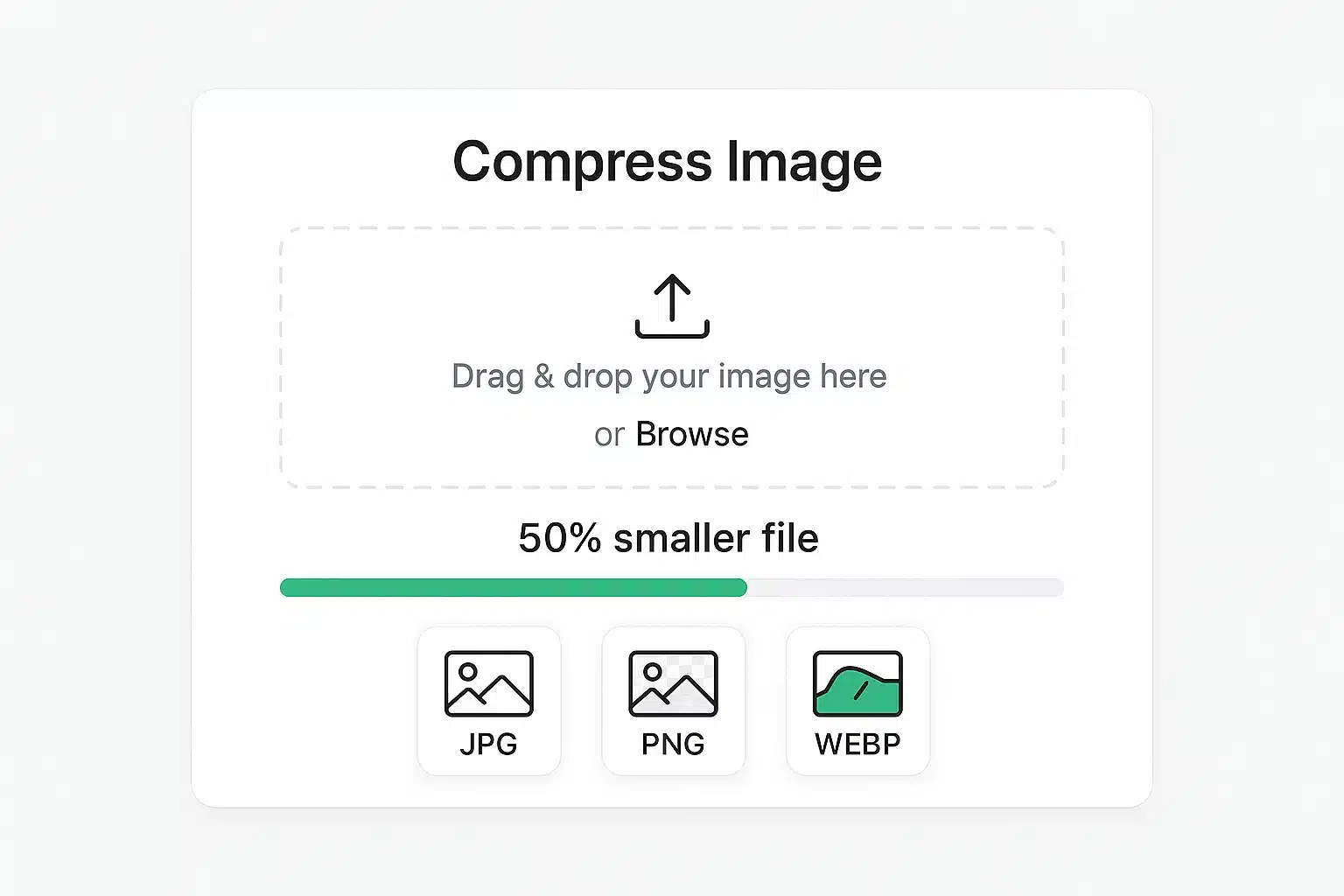
Why Image Compression Matters
This free, browser-based image compressor helps you shrink image file sizes without installing software or paying for a service. By reducing image sizes by up to 80% while maintaining visual quality, you can speed up webpage load times, improve SEO, and save on hosting bandwidth. Large image files can slow down your website, consume storage space, and frustrate users. Our tool offers powerful, easy-to-use optimization to enhance your digital presence without compromising aesthetics.
Faster Loading
Reduce page load times and improve user experience
Save Storage
Use less server space and bandwidth
Better SEO
Improve search engine rankings with faster sites
Compress Your Images
Upload up to 10 images (max 10MB each) and compress them your way.
Drag & Drop Your Images Here
or
Supports PNG, JPG, JPEG, WEBP • Max 10MB per image
How to Use Our Image Compressor
A simple 4-step process to optimize your images
1. Upload Images
Drag & drop or browse to select up to 10 images.
2. Adjust Settings
Fine-tune quality and format for each image individually.
3. Compress
Click "Compress" for one image or "Compress All" for batch processing.
4. Download
Download images one-by-one or get them all in a ZIP file.
Ready to Compress Your Images?
Start optimizing your images now with our free compression tool
Why Choose Our Image Compressor?
Discover the key benefits that make our tool the best choice.
100% Private & Secure
All processing happens in your browser. Your images never leave your device.
Completely Free
No subscription fees, no hidden costs. Use our tool as much as you want.
Lightning Fast
Client-side processing means instant compression without server delays.
Granular Control
Adjust quality and format for each image to get the perfect result.
Mobile Friendly
Works perfectly on all devices - desktop, tablet, and mobile.
Batch Processing
Compress up to 10 images simultaneously for maximum efficiency.
Perfect for Every Use Case
From personal projects to professional workflows
Website Optimization
Reduce page load times and improve user experience on your website.
E-commerce
Optimize product images for faster loading and better SEO rankings.
Social Media
Prepare images for social platforms with size and quality requirements.
Blog Content
Optimize blog images for faster loading and better reader experience.
Who Uses Our Image Compressor?
Trusted by professionals across various industries
Designers
Prepare assets for web and print while maintaining quality standards.
Developers
Optimize images for faster websites and better performance scores.
Marketers
Create optimized visuals for campaigns and social media content.
Students
Reduce file sizes for assignments and project submissions.
Join Thousands of Happy Users
Experience the fastest, most reliable image compression tool available
Frequently Asked Questions
Get answers to common questions about our image compression tool
Our tool uses advanced client-side compression algorithms that run entirely in your browser. Images are processed using HTML5 Canvas technology to reduce file sizes while maintaining visual quality. No data is sent to external servers, ensuring complete privacy.
We support PNG, JPG, JPEG, and WebP formats. You can also convert between formats during compression. For example, converting PNG to JPG often results in significant file size reduction.
Yes, each image can be up to 10MB in size. You can upload up to 10 images at once for batch processing. This limit ensures optimal performance and quick processing times.
No, absolutely not! All image processing happens entirely in your browser using client-side JavaScript. Your images never leave your device, ensuring complete privacy and security.
Yes! You can choose from four compression levels: Low (90% quality), Medium (80% quality), High (70% quality), and Maximum (60% quality). Higher compression reduces file size more but may slightly affect image quality.
Yes, our tool is fully responsive and works perfectly on mobile devices, tablets, and desktops. The interface adapts to your screen size for optimal usability on any device.
Yes, our image compression tool is completely free to use with no hidden fees or subscription requirements. You can compress as many images as you need without any limitations.
Trusted by Thousands for 100+ Free Online Tools
Join a growing community of creators, developers, and businesses who rely on our all-in-one tools platform for secure, fast, and free online tools. Your trust is our top priority—no sign-ups, no hidden costs, and complete privacy.
Need Help or Have Questions?
Our support team is here to help you with any questions or issues you might have.
Contact Support