AI cutout on your device · Erase & restore brush · Transparent PNG
Image Background Remover
Start with a cutout.
Refine what stays.
Remove a photo's background with an AI model that runs in your browser, touch up the edges with erase and restore brushes, then save a transparent PNG or a white-background JPG. The first run downloads the model; hair and glass may need manual touch-ups.
Add a photo
Drop, paste or choose one photo.
JPG · PNG · WebP · BMP · GIF · HEIC · 50 MB · 12 MP
Checking available output formats…
Press Remove background, or Edit by hand.
Quick start: add a photo → Remove background → check the edges → Create file → Download. The first run downloads the model, so it takes longer.
Original and cutout
Original
Cutout on the chosen background
Brings back the whole original photo, including its background. Undo returns your cutout.
Touch up & download
Drag on the cutout to hide leftover background. Restore brings back the original pixels there, including any background.
Measured in pixels of the original photo. Use a small brush near hair and edges.
Undo keeps up to five steps. Restore automatic result brings back the model's cutout after your touch-ups.
Softens only the cutout edge, not the photo. Start with 1–2 px; each press adds more.
The checkerboard only shows transparency on screen; it is not saved.
Editing guide
The model makes a cutout. You make the final call.
Every control changes which parts of the photo stay visible. The colours of the subject are never repainted.
| Control | What it does | Worth knowing |
|---|---|---|
| Remove background | Runs the IMG.LY model in your browser and hides everything it treats as background. | The first run downloads the model; later runs are usually faster thanks to the browser cache. |
| Edit by hand | Switches on the brush without running the model. | Useful for simple shapes or when the model cannot start; nothing is removed until you brush. |
| Erase / Restore brush | Hides pixels, or brings the original pixels back, under the brush. | Size is in original-photo pixels; strokes are smoothed so quick drags leave no gaps. |
| Edge softness | Blurs only the cutout edge by 1–10 px per press. | Presses add up; too much can leave a faint halo, which Undo removes. |
| Undo / Restore automatic result / Reset | Steps back, returns to the model's cutout, or shows the whole original photo. | Undo keeps five steps. The background colour is separate and never undone. |
| Background and format | Transparent, white or a custom colour, saved as PNG, JPG or WebP. | JPG cannot be transparent, so a transparent background is saved as white. |
Where cutouts struggle
Look beyond the big outline.
Hair and fur
Fine strands can disappear or keep a fringe of background. Switch the background to a contrasting colour to spot it, then use a small brush.
Gaps inside the subject
Background can remain between an arm and the body or inside a cup handle. Erase it with a small brush and Undo any slip.
Glass and shadows
Transparent objects and soft shadows are hard to separate. The model may remove them or keep part of the old background behind them.
Several people or products
The model looks for the main subject. A second object may be dropped; Restore original brings it back.
Before & after
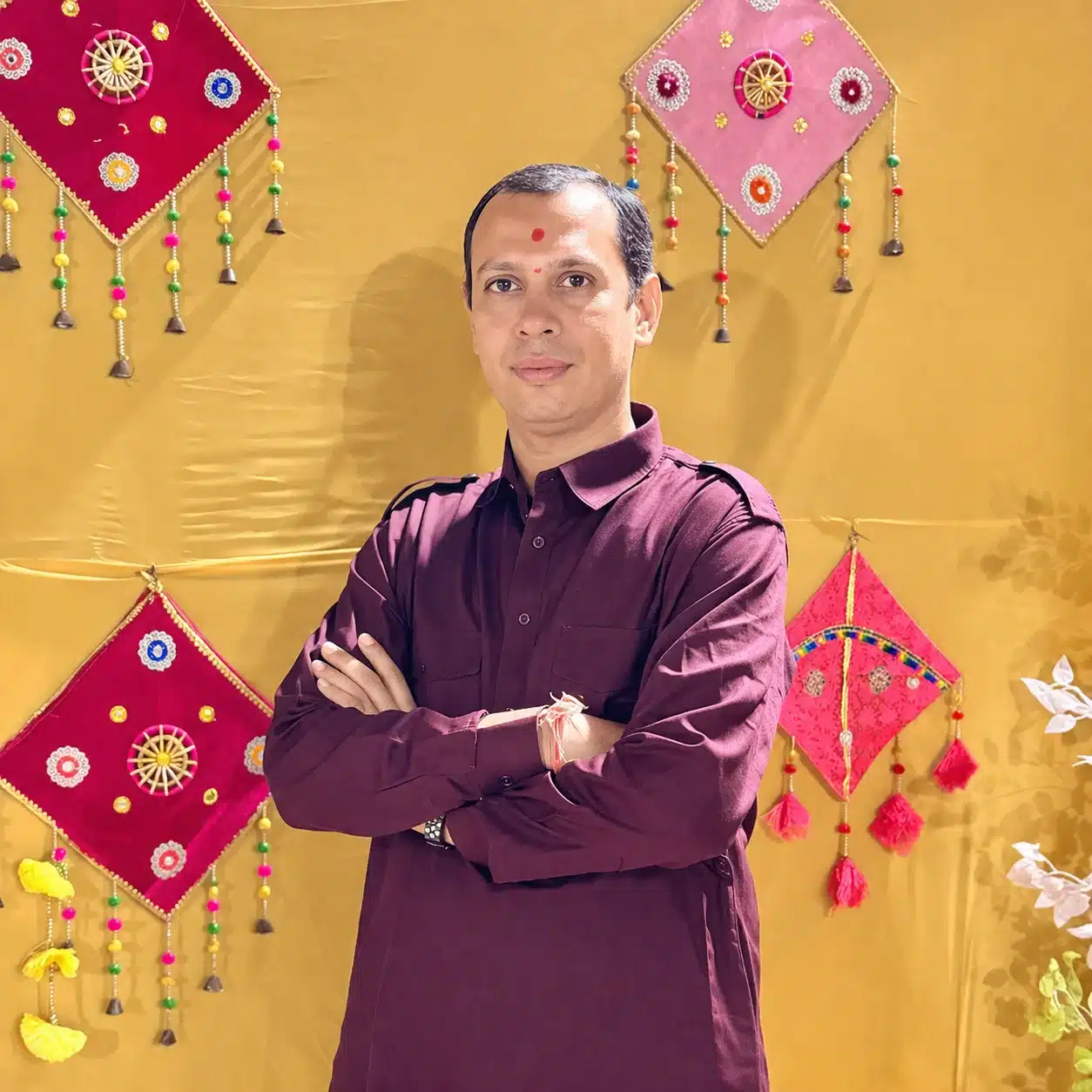
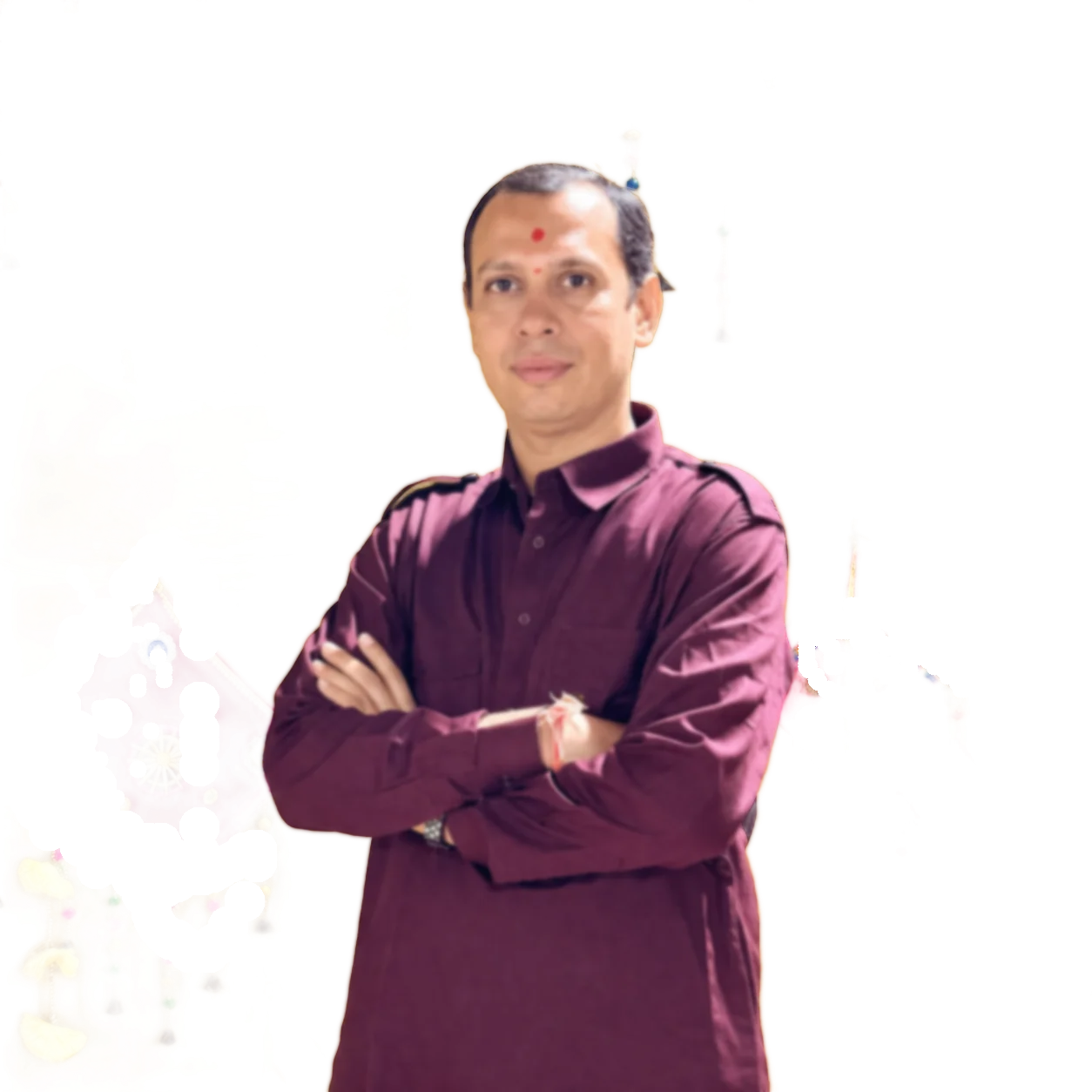
A cutout example. Not an edge-quality promise.
Screenshots of one result. They are not your live cutout; any checkerboard, labels or dates in them belong to the screenshots.
Privacy & downloads
Your photo stays here. The model comes to you.
Instead of sending your photo to a server, this page brings the model to your browser.
What happens when you press Remove background
The library is published under the AGPL-3.0 licence; its source code is on GitHub.
Common uses
Pick the background for where it is going.
| Use | Suggested settings | What to check |
|---|---|---|
| A product photo for Flipkart, Amazon or Meesho listings | White · JPG · quality 0.9 | Marketplaces set their own size and framing rules; check them, then use the Image Resizer if needed. |
| A logo or signature to place on a document or website | Transparent · PNG | Thin lines may need Restore original; inspect at 100%. |
| A profile picture with a plain colour behind you | Custom colour · JPG or PNG | Watch hair edges against the new colour. |
| A sticker or design element | Transparent · PNG or WebP · soft edge 1 px | Too much softness leaves a pale outline on dark designs. |
| Passport, visa or ID photos | Check the official rules first | This tool does not check background colour, head size or other official requirements. |
Output choices
Keep it transparent. Or fill it in.
| Output | Transparent background | Quality setting | Good for |
|---|---|---|---|
| PNG (default) | Kept | Not used | Logos, stickers and anything you will place on another background. |
| JPG | Saved as white | 0.10–1.00 | White or coloured backgrounds; far smaller than PNG for photos. |
| WebP | Kept | 0.10–1.00 | Websites, if this browser passes a WebP save test. |
Troubleshooting
Fix the cutout. One step at a time.
Remove background will not start
The model could not download or run in this browser.
- Check your connection and try again.
- Use a current Chrome, Edge, Firefox or Safari.
- Or press Edit by hand instead.
Part of the subject vanished
The model treated it as background.
- Choose Restore original in the Brush menu.
- Paint over the missing part.
- Undo if you bring back too much.
Background is still visible
Leftovers often sit between limbs or around hair.
- Choose Erase and a small brush size.
- Preview on a dark custom colour.
- Soften the edge by 1 px at the end.
The transparent file came out white
JPG cannot hold transparency.
- Switch the format to PNG or WebP.
- Keep Background on Transparent.
- Press Create file again.
Background removal questions
Before you save the cutout
How do I remove the background from a photo?
Add a photo and press Remove background. When the cutout appears, check the edges and touch up with the Erase or Restore brush if needed. Choose a background and format, press Create file, then Download.
Is my photo sent to a server?
No. The background model runs inside your browser, and this page does not send your photo anywhere. Pressing Remove background downloads the IMG.LY library from jsDelivr and its model files from staticimgly.com; those requests do not include your photo.
Why is the first run slower?
The first time, the browser has to download the library, the runtime and the model, which together are a large download. They are usually cached afterwards. The cutout itself then runs on your device's processor, so speed depends on the device and photo size.
What if automatic removal fails or takes too long?
You will see why, for example a download error or the 4-minute limit. Press Remove background to try again, or use Edit by hand, which needs no download. Stop closes the model straight away and leaves your current cutout as it was.
How do the Erase and Restore brushes work?
Erase hides the pixels under the brush; Restore brings back the original pixels, including any background that was there. Brush size is measured in pixels of the original photo. Drag with a mouse, finger or pen, or type an X and Y position for one precise mark.
What does edge softness do?
It blurs only the boundary between subject and background by 1 to 10 px, which can hide a jagged edge. The photo itself is not blurred. Each press adds more softness, and Undo removes the last one.
What is the difference between Undo, Restore automatic result and Reset?
Undo goes back one step and keeps up to five. Restore automatic result brings back the model's cutout and discards later brush work. Reset to original photo shows the whole photo with its background again; Undo can return your cutout after a reset.
Can I put a white or coloured background behind the subject?
Yes. Choose White or Custom colour under Background; the colour is included in the saved file. You can switch back to Transparent at any time without losing your edits. A JPG always gets white where the background would otherwise be transparent.
Which format should I download?
PNG keeps the background transparent and is the default. JPG suits white or coloured backgrounds and is much smaller, which marketplaces and messaging apps prefer. WebP keeps transparency in a smaller file when this browser can save it.
Which photos can I use?
One JPG/JPEG, PNG, WebP, BMP, GIF or HEIC/HEIF photo at a time, up to 50 MB, 12 MP and 8,192 px on a side; each saved file can be up to 96 MB. Larger photos should be resized first. Animated GIFs keep their first frame.
Does the cutout keep the original size and colours?
Yes. The saved image has the same width and height as your photo, and the subject's colours are the original ones; only visibility changes. Partly transparent edge pixels can shift slightly when saved, and photo details such as camera data are not kept.
Will hair, glass and fine details be perfect?
Not always. Hair, fur, glass, shadows, low contrast and busy scenes are the hardest cases, and the model may cut away or leave behind small areas. The brushes help, but check the result at full size before using it.
Why did my Download button go away?
Any brush stroke, undo, reset, edge softness, background, colour or format change removes the earlier file so you never download an outdated cutout. Press Create file again. Renaming keeps the file. Nothing is kept after a refresh.
Related image operations
Choose your next image step
Ready to refine your image cutout?
Go back to your photo, or explore the image tools and the full tools directory.