What is Our PDF Merging Tool?
A powerful and user-friendly online tool designed to combine your PDF files into a single document effortlessly, with page previews and easy reordering.
Seamless PDF Combination
Our advanced PDF Merger provides a seamless solution for combining multiple PDF files into a single, organized document. Whether you're compiling reports, creating portfolios, or archiving documents, our tool gives you the power to arrange and merge with precision.
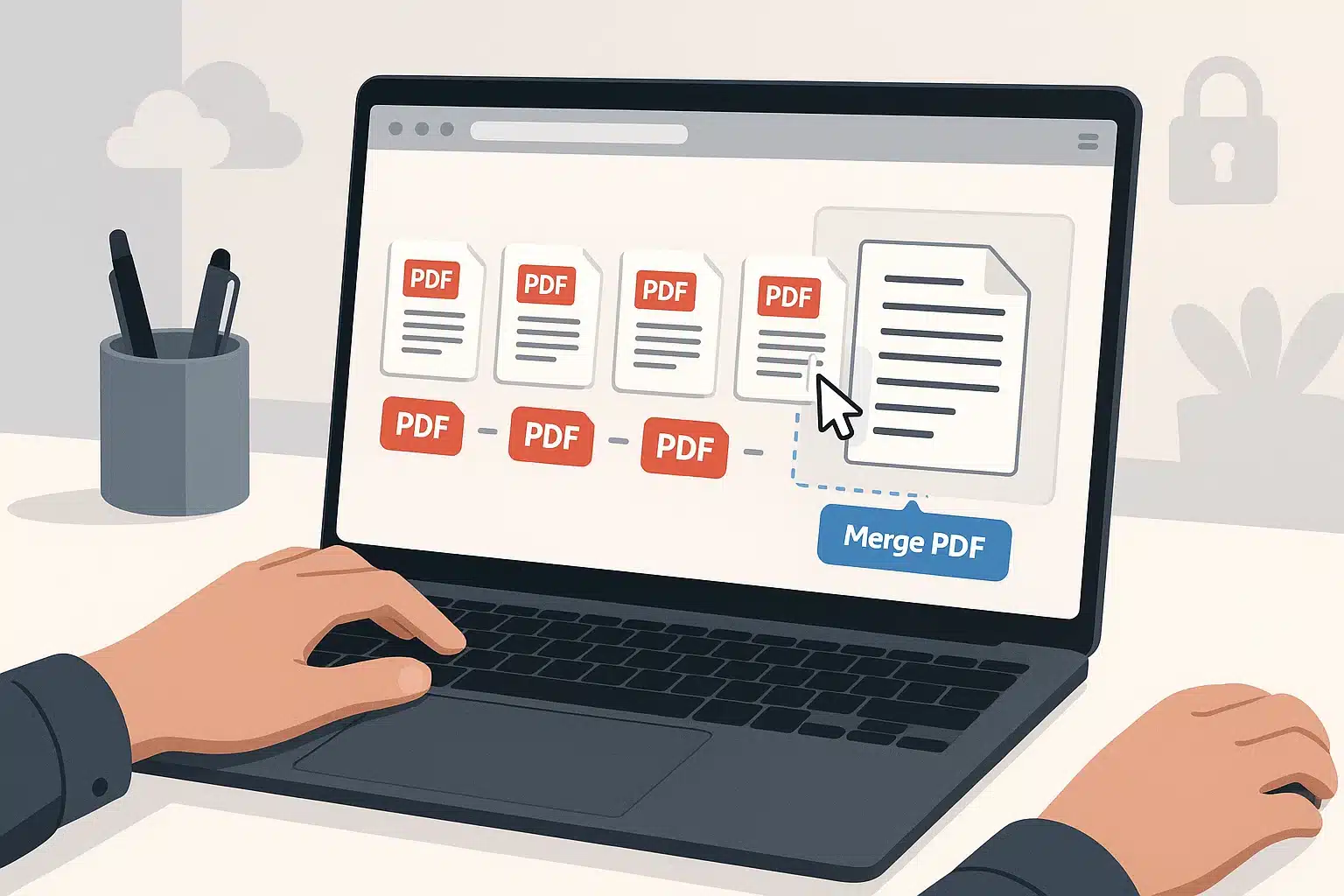
Experience the flexibility of our unique page selection feature. You're not just merging files; you're building a new document. Include all pages from one PDF, a specific range from another, and even single pages from a third. The intuitive drag-and-drop interface makes reordering files effortless.
Why Choose Our PDF Merger?
100% Free & Online
No hidden charges, subscriptions, or software installation needed.
Secure & Private
Files are processed in your browser and not uploaded to our servers for merging. We automatically delete any temporary data.
User-Friendly Interface
Intuitive drag-and-drop functionality with clear previews makes merging simple.
Fast Processing
Merge your PDF files quickly and efficiently, saving you valuable time.
PDF Merger Tool
Upload, reorder, and combine your PDFs into one file
Drag & Drop PDFs Here
Or click to browse files
Sort PDFs
How to Merge Your PDFs
Follow these simple steps to combine your PDF files into a single document in minutes.
Upload Your PDF Files
Drag and drop your PDF files into the designated area, or click the "Browse Files" button to select them from your computer. You can upload multiple files at once.
💡 Tip: Make sure all files you want to combine are in PDF format.
Reorder and Preview Files
Once uploaded, your files will appear as previews. Drag and drop the file previews to arrange them in your desired order. Use the navigation and zoom controls on each preview to check individual pages.
Merge Your PDFs
When you're satisfied with the order and content, click the "Merge PDFs" button. Our tool will quickly combine all uploaded files into a single PDF document.
⚡ Merging is fast and happens right in your browser for security!
Preview & Download
After merging, a preview of the combined PDF will be displayed. Review & Rename your new merged file , then click the "Download" button to save it to your device.
Quick Tips for Best Results
Check File Order
Double-check the sequence of your files before clicking "Merge".
Use Page Previews
Utilize the individual page previews to confirm content before merging.
Clear Cache if Needed
For optimal performance, especially with large files, clear your browser cache occasionally.
Combine Your PDFs with Ease
Experience the fastest and most secure way to merge your documents. Start creating your single, organized PDF file right now.
PDF Merger Applications
Discover how our PDF merging tool helps in various personal, academic, and professional scenarios.
Academic & Research
Combine research papers, chapters of a thesis, lecture notes, or assignments into a single, organized PDF for easy submission or study.
Business & Office
Merge invoices, reports, contracts, presentations, or project documents into comprehensive files for clients, colleagues, or archiving.
Personal Use
Organize personal documents like e-books, scanned letters, manuals, or travel itineraries into easily manageable PDF files.
Who Can Benefit?
Students & Educators
Compile study materials, research, and assignments.
Business Professionals
Organize reports, contracts, and presentations efficiently.
General Users
Manage personal documents, e-books, and scanned files.
Trusted by Thousands for 100+ Free Online Tools
Join a growing community of creators, developers, and businesses who rely on our all-in-one tools platform for secure, fast, and free online tools. Your trust is our top priority—no sign-ups, no hidden costs, and complete privacy.
Frequently Asked Questions
Get instant answers to common questions about our PDF Merger tool.
Are my PDF files secure?
Yes, 100% safe. Your privacy is our top priority. Your data is completely secure. The entire merging process happens locally in your browser. Your files never leave your device.
Is this pdf merge tool really free?
Yes, our tool is completely free to use with no hidden charges or registration. You can merge as many files as you like.
Can I reorder the files?
Absolutely! You can use the automatic sorting options or simply drag and drop the preview cards into the desired order before clicking the merge button.
Can I select specific pages from a PDF?
Yes. Each file card has interactive page navigation and a page range input. You can specify ranges (e.g., "1-3"), single pages ("5"), delete pages individually, or combine methods to include only the pages you need.
Do I need to install any software?
No, our PDF merger is entirely web-based. You don't need to download or install any software. Just open your browser, visit our site, and start merging.
Can I preview the pages of my PDFs before merging?
Of course! Our tool provides a preview for each uploaded PDF. You can navigate through the pages and zoom in/out to ensure the content is correct before you merge.
What devices and browsers are supported?
Our PDF merger works on all modern web browsers (like Chrome, Firefox, Safari, Edge) and across all devices, including desktops, laptops, tablets, and smartphones (Windows, macOS, Linux, iOS, Android).
Need Help or Have Questions?
Our support team is ready to assist you with any questions or technical issues.
Contact Support Team