Secure Text Online with Free Text Encryption Tool
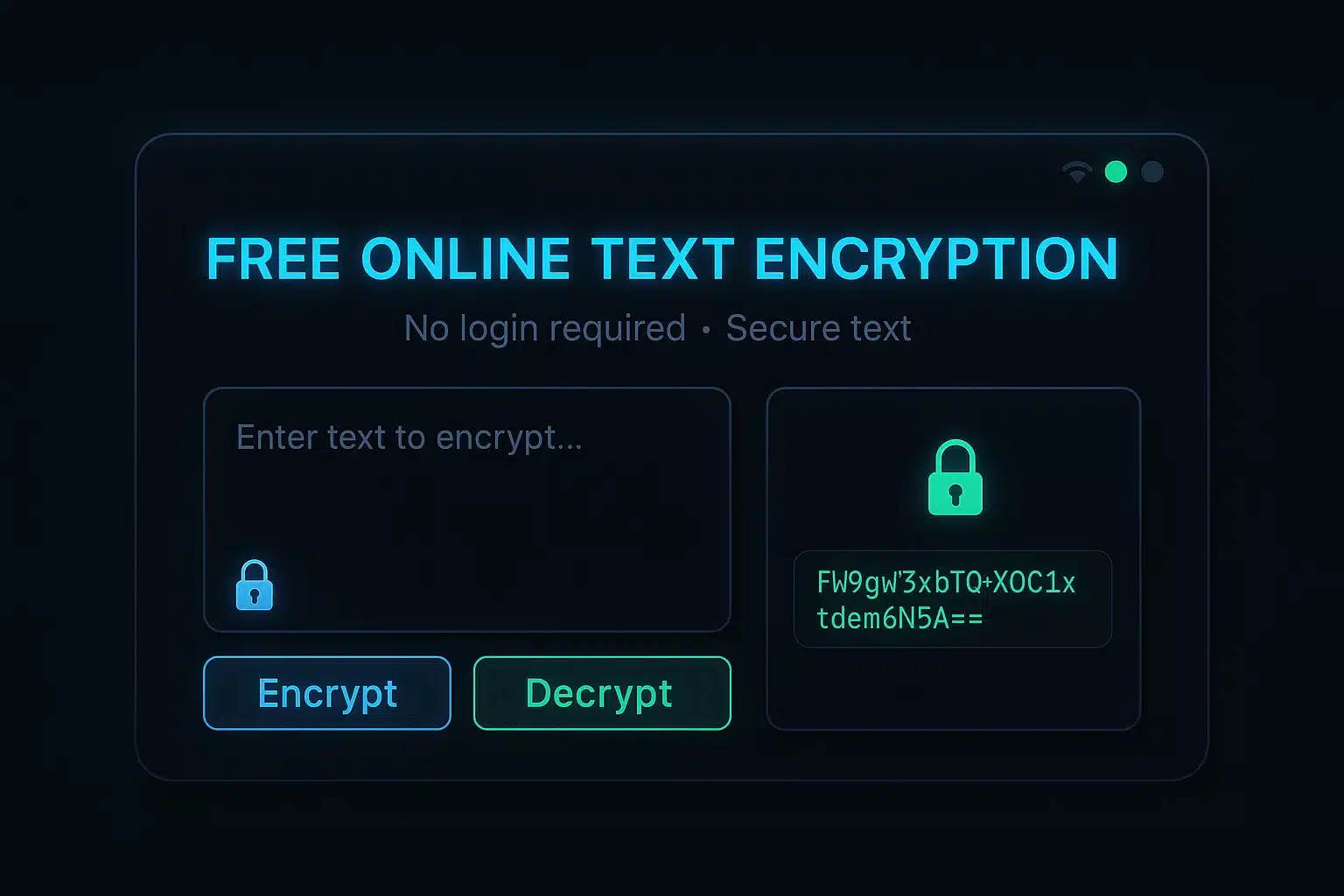
Encrypt and decrypt sensitive text online using our free encryption tool. No login required. Choose algorithms, stay secure, and protect your data—right in your browser.
1,000+People already use our tool
Multiple Algorithms
Choose from AES, Base64, ROT13, and more encryption methods.
Client-Side Security
All encryption happens in your browser. Your data never leaves your device.
Easy Sharing
Download, print, or share your encrypted text via WhatsApp with one click.
Protect Your Sensitive Information
Our Text Encryption Tool provides a secure way to protect your private messages, sensitive data, and confidential information from unauthorized access.
With multiple encryption algorithms and client-side processing, your data never leaves your device, ensuring maximum security and privacy.
Easy to Use
Simple interface designed for both beginners and experts.
Secure by Design
All encryption happens locally in your browser for maximum privacy.
Multiple Algorithms
Choose from various encryption methods to suit your needs.
Text Encryption Tool
Encrypt and decrypt your text with multiple algorithms. All processing happens in your browser - your data never leaves your device.
Encryption Metadata
How It Works
Enter your text in the input field
Choose encryption or decryption
Select your preferred encryption method
Enter a secret key (if required)
Click the button and get your result
Security Features
- Client-side encryption
- No data storage on servers
- Military-grade algorithms
- Secure key management
Instructions
Follow these simple steps to encrypt or decrypt your text securely.
How to Use the Encryption Tool
Enter Your Text
Type or paste the text you want to encrypt or decrypt in the input field.
Select Operation
Choose whether you want to encrypt or decrypt the text.
Choose Encryption Method
Select from various encryption algorithms based on your security needs.
Enter Secret Key (If Required)
For methods like AES or XOR, provide a secret key to secure your encryption.
Process and Get Results
Click the button to process your text and view the encrypted or decrypted result.
Tips for Secure Usage
- Use strong, unique keys for each encryption (especially for AES/XOR)
- For sensitive data, choose AES encryption (once a proper library is implemented)
- Share keys through separate, secure channels
- Clear your browser history after encrypting sensitive information if on a shared computer
Understanding Encryption Methods
Base64
A simple encoding method that converts binary data to ASCII text. Not secure for sensitive data, used for data representation.
AES
Advanced Encryption Standard. Industry-standard for strong security for sensitive information (requires proper library).
ROT13
Simple letter substitution cipher that replaces each letter with the 13th letter after it. Not for security.
Caesar Cipher
Shifts each letter by a fixed number of positions. Simple but not secure for modern use.
XOR Encryption
Uses the XOR operation with a key. Security depends heavily on the key's strength and randomness (demo is basic).
Custom Shift
Similar to Caesar cipher but with customizable shift values for more flexibility. Not for security.
Applications
Discover the real-world use cases where our text encryption tool can help protect your sensitive information.
Real-World Applications
Secure Messaging
Encrypt sensitive messages before sending them through email or messaging apps for added privacy.
Password Protection
Store passwords securely by encrypting them before saving in your password manager or notes.
Business Communications
Protect confidential business information when sharing across unsecured channels.
Personal Data Protection
Secure personal information like identification numbers, financial details, and private notes.
Industry Use Cases
Healthcare
Protect patient information when sharing between healthcare providers while maintaining HIPAA compliance.
Finance
Secure financial data, account numbers, and transaction details when communicating with clients.
Legal
Protect confidential client information, case details, and sensitive legal documents.
Business
Secure proprietary information, trade secrets, and confidential business strategies.
Government
Protect classified information and sensitive communications between government agencies.
Education
Secure student records, grades, and confidential educational information.
Personal Use Cases
Beyond professional applications, our encryption tool is perfect for everyday personal use to protect your privacy.
- Secure personal diary entries and private thoughts
- Protect sensitive conversations with friends and family
- Encrypt personal identification numbers and passwords
- Secure financial information and account details
- Create secret messages for scavenger hunts or surprises
Examples
See practical examples of how our encryption tool works with different algorithms and inputs.
Practical Encryption Examples
1 Base64 Encoding
Original Text:
Hello World
Encoded Result:
SGVsbG8gV29ybGQ=
Base64 encoding converts binary data to ASCII text format. It's commonly used for email attachments and data URLs.
2 Caesar Cipher (Shift: 3)
Original Text:
Meet me at noon
Encrypted Result:
Phhw ph dw qrrq
Caesar cipher shifts each letter by a fixed number of positions in the alphabet. It's one of the simplest encryption techniques.
3 ROT13 Cipher
Original Text:
Secret message
Encrypted Result:
Frperg zrffntr
ROT13 is a special case of the Caesar cipher, with a fixed shift of 13 places. It's often used in online forums to hide spoilers.
4 AES-256 Encryption (Demo)
Original Text:
Confidential data
Encrypted Result (with key "password123"):
Q29uZmlkZW50aWFsIGRhdGF8cGFzc3dvcmQxMjM=
AES-256 is a symmetric encryption algorithm widely used for securing sensitive data. It's considered highly secure (this example uses a simplified demo).
Real-World Example Scenarios
Secure Password Sharing
When you need to share a password with a colleague, encrypt it first and send the key through a different channel.
Original Password:
Tr0ub4dor&3
Encrypted (AES Demo):
VHIwdWI0ZG9yJjN8bXlzZWNyZXQ=
Share via:
Private Journal Entries
Keep your personal thoughts private by encrypting your journal entries before saving them to the cloud.
Journal Entry:
Today I finally decided to...
Encrypted (AES Demo):
VG9kYXkgSSBmaW5hbGx5IGRlY2lkZWQgdG8uLi58ZGlhcnlrZXk=
Store in:
Confidential Business Information
Protect sensitive business data when sharing it with partners or clients through unsecured channels.
Business Data:
Q3 Revenue: $1.45M, Growth: 12.3%...
Encrypted (AES Demo):
UTMgUmV2ZW51ZTogJDEuNDVNLCBHcm93dGg6IDEyLjMlLi4ufGJpenNlY3JldDI0
Share via:
Fun Secret Messages
Create fun puzzles or secret messages for friends and family using simple encryption methods.
Message:
Happy Birthday! Your gift is hidden under the...
Encrypted (ROT13):
Unccl Oveguqnl! Lbhe tvsg vf uvqqra haqre gur...
Share as:
FAQ
Find answers to the most commonly asked questions about our text encryption tool.
Still Have Questions?
If you couldn't find the answer to your question in our FAQ, feel free to contact us directly.
Contact SupportTrusted by Thousands for 100+ Free Online Tools
Join a growing community of creators, developers, and businesses who rely on our all-in-one tools platform for secure, fast, and free online tools. Your trust is our top priority—no sign-ups, no hidden costs, and complete privacy.
Conclusion
Our Text Encryption Tool provides a secure, user-friendly solution for protecting your sensitive information in today's digital world.
Key Benefits
- Industry-standard encryption algorithms (AES demo, requires proper library for real security)
- Client-side processing ensures your data never leaves your device
- Intuitive interface accessible to both beginners and experts
- Multiple sharing options for encrypted content
- Free to use with no account registration required
Why Choose Our Tool?
In an era of increasing digital threats and privacy concerns, our encryption tool stands out by combining powerful security (with proper library usage) with exceptional ease of use.
Whether you're protecting personal messages, business communications, or sensitive data, our tool provides the security you need with the simplicity you want.