Reverse Video Tool
Transform your videos with our powerful reverse video tool. Create unique content, add creative effects, and surprise your audience with reversed footage in just a few clicks.
No watermarks or quality loss
Works with all popular video formats
Fast processing, instant downloads
100% free, no registration required
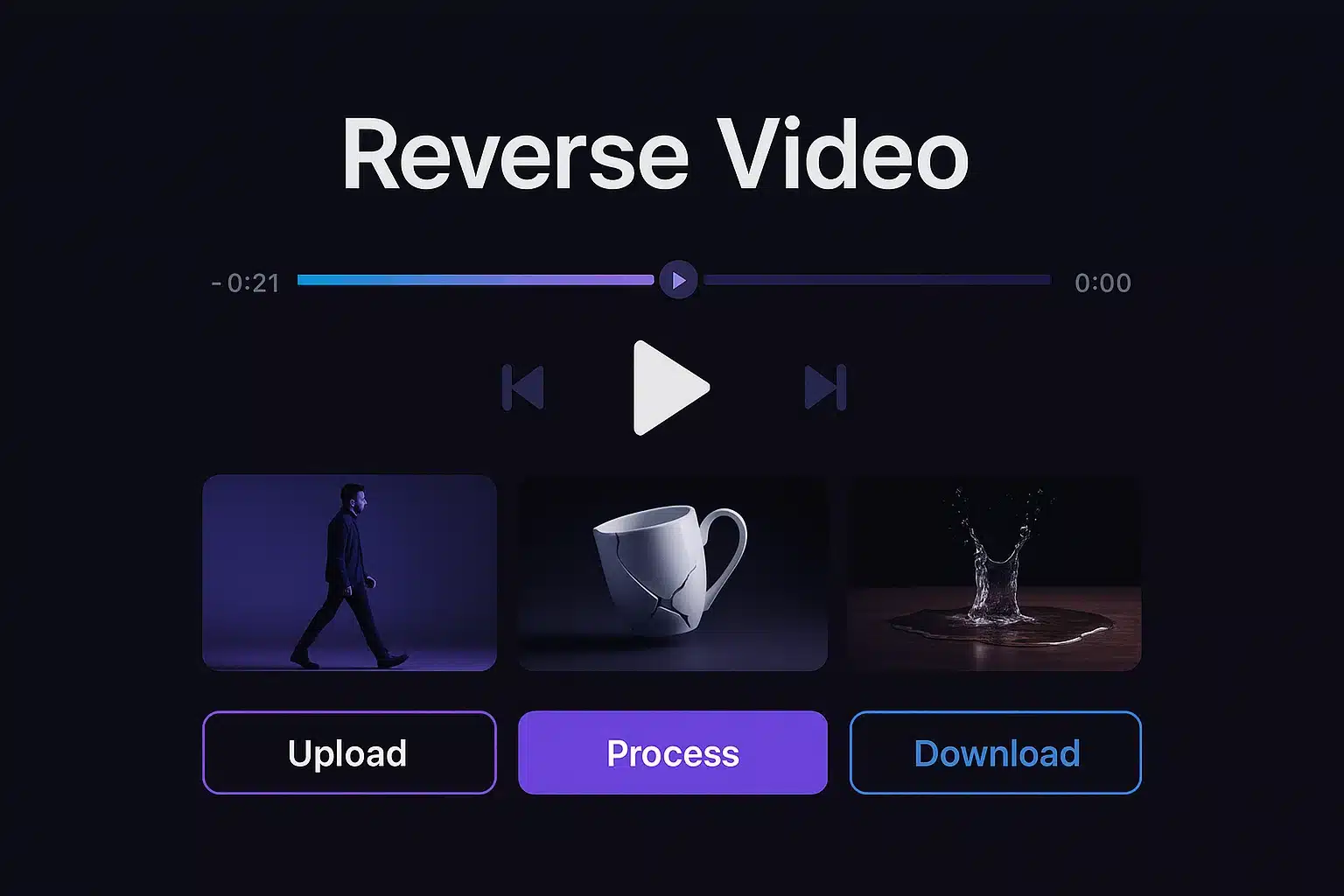
What is Reverse Video Magic?
Reverse Video Magic is a powerful yet easy-to-use online tool that lets you reverse any video with just a few clicks. Whether you're a content creator, social media enthusiast, or filmmaker, our tool helps you create unique and engaging content by playing your videos backwards.
Simply upload your video, click the reverse button, and download your transformed creation. No technical skills required!
Upload
Select any video file from your device
Reverse
Process with one click
Download
Save your reversed video
Reverse Video Tool
Upload your video, reverse it with a single click, and download the result. It's that simple!
Reverse Video Magic Tool
Video Preview
Upload a video to see the preview
Ready to Process
Upload a video and click "Reverse Video" to start
Fast Processing
Our AI-powered algorithms process your videos quickly, saving you time and effort.
Privacy Protected
Your videos are processed locally in your browser. We never store or access your content.
Simple & Free
Enjoy our tool completely free, with no watermarks or registration required for core features.
How It Works
Reverse your videos effortlessly in a few stylish steps. No technical expertise needed!
See it in action! Check out this sample video reversed with our magic tool: View on Facebook
Upload Your Video
Drag and drop or click to upload your video file from your device with ease.
- Supports MP4, MOV, WEBM
- Max file: 1 min / 100MB
Click Reverse
Just hit the "Reverse Video" button. There are no complicated settings to worry about.
- One-click process
AI Processing
Our AI works its magic, reversing your video frame-by-frame right in your browser.
- Secure & private processing
- Live progress updates
Download & Share
Preview, download, and share your reversed video seamlessly.
- Instant download link
- No watermarks
Examples
Discover creative ways to use reversed videos in your projects. Here are some practical examples and use cases.
Creative Storytelling
Use reversed footage to create unique narrative structures and reveal surprising plot elements in your videos.
Viral Social Content
Create engaging, shareable content for TikTok, Instagram Reels, and other platforms with reversed video effects.
Professional Effects
Enhance your video editing workflow with professional-grade reverse effects for commercials and films.
Popular Use Cases
Social Media Content
Create engaging, shareable content for TikTok, Instagram, and YouTube with reversed video effects.
Music Videos
Create artistic and surreal effects for music videos with reversed footage and audio.
Special Effects
Add unique visual effects to your films, commercials, and creative projects with reversed footage.
Educational Content
Create engaging educational videos that demonstrate processes in reverse to highlight cause and effect.
Comedy & Entertainment
Create humorous content by reversing everyday actions for comedic effect in videos.
Data Analysis
Analyze motion, physics, and sports performance by studying actions in reverse to gain new insights.
Trusted by Thousands for 100+ Free Online Tools
Join a growing community of creators, developers, and businesses who rely on our all-in-one tools platform for secure, fast, and free online tools. Your trust is our top priority—no sign-ups, no hidden costs, and complete privacy.
FAQ
Find answers to the most commonly asked questions about our Reverse Video Magic tool.
Our tool supports all popular video formats including MP4, MOV, and WEBM. For best results and faster processing, we recommend using MP4 format.
Yes, absolutely! All video processing happens directly in your browser. Your videos are never uploaded to our servers, ensuring complete privacy and security. We have no access to your content at any time.
Processing time depends on several factors including your video length, resolution, and your device's performance. A 1-minute video typically takes 30-60 seconds to process. Processing happens faster on a powerful computer.
The tool supports videos up to 100MB in size and a maximum duration of 1 minute. This ensures the process can complete quickly within your browser.
Currently, this tool only reverses the video frames. The audio track from the original video is not included in the final reversed output. This is a video-only reversal tool.
Still Have Questions?
We're here to help! Contact our support team for assistance with any issues or questions not covered in our FAQ.
Contact SupportQuick Tips
- Use videos under 1 minute for best results.
- MP4 format provides the best compatibility.
- Use Chrome or Firefox for best performance.