Create & Download Custom Greeting Cards Online
Instantly create and share beautiful, personalized animated greetings for birthdays, festivals, anniversaries, and all your special occasions. Spread joy effortlessly!
Create a Greeting Now →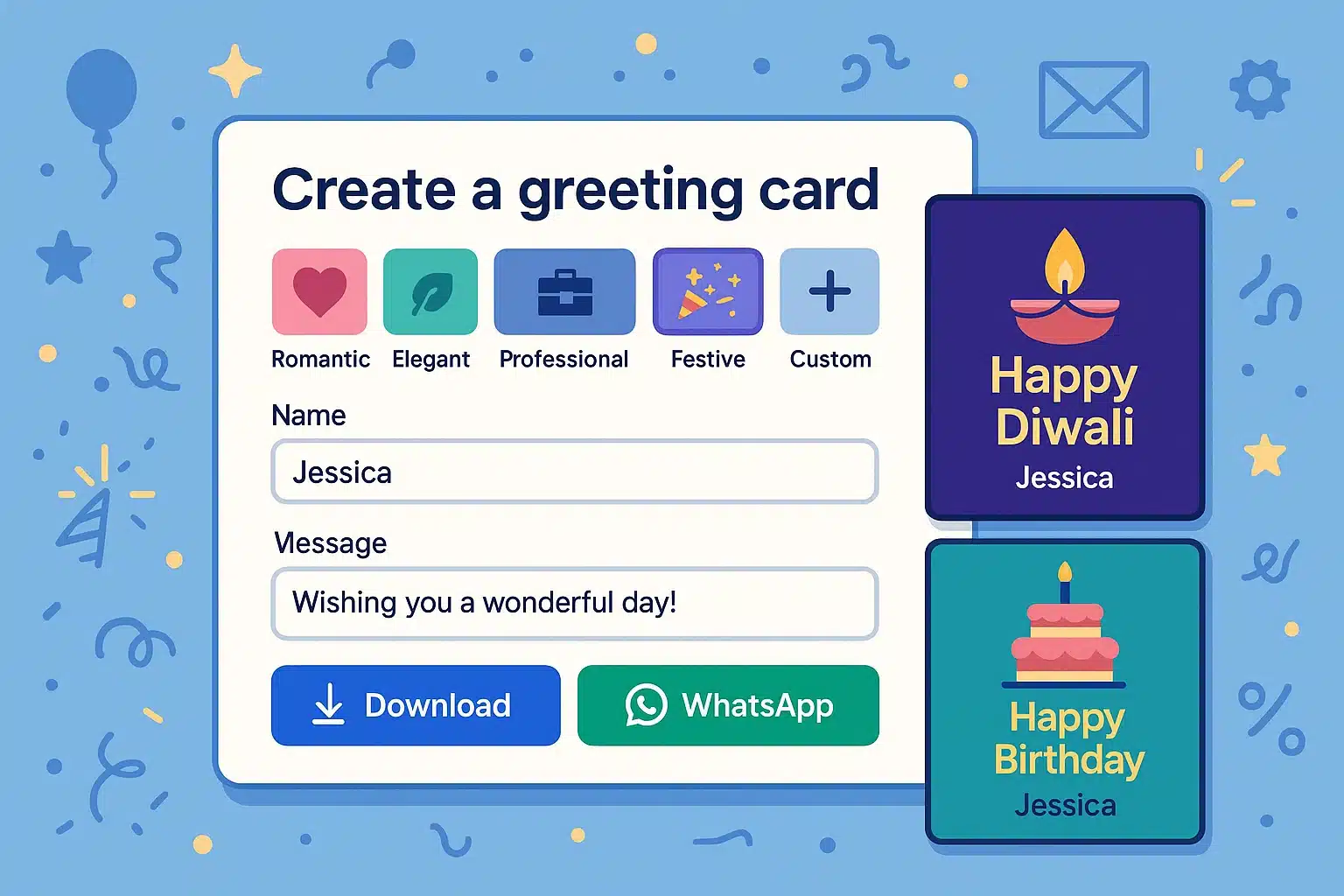
Select Category & Occasion
About Celebrations Hub
Welcome to Celebrations Hub, your ultimate destination for crafting and sharing heartfelt digital greetings! In a world buzzing with constant communication, finding the perfect words and a beautiful design for every occasion can be time-consuming. We've simplified this by creating an intuitive platform where searching for "birthday wishes," "Diwali greetings," or even "trending good morning messages" leads you to a plethora of options. Our tool intelligently curates animations and messages, ensuring your greetings are always special, relevant, and joyfully received. Express your feelings effortlessly and make every celebration memorable.
Key Benefits
Instant Creation
Generate beautiful greetings in seconds, no design skills needed.
Personalized Touch
Add names and custom messages to make every greeting unique.
Effortless Sharing
Easily share via WhatsApp or download for other platforms.
Diverse Themes
Choose from multiple themes to match the occasion's mood.
Multilingual Support
Includes Hindi messages for broader reach and cultural connection.
Eco-Friendly
Send digital greetings and contribute to a greener planet.
How It Works
How To Use
- Choose Category & Occasion: Navigate tabs like 'Festivals' or 'Personal Days' and click on a specific event button.
- Personalize (Optional): Enter the Recipient's and Your Name in the input fields and click the checkmark to apply them to the card.
- Customize Message (Optional): Select the 'Custom' tab, type your unique title and message, then click "Apply Custom Message".
- Preview & Share: Your card will instantly appear! Use the buttons below to Download it as an image or Share directly to WhatsApp.
Input Parameters
- Occasion Category Tab: Filters the list of available specific occasions buttons.
- Specific Occasion Button: Determines the default greeting message, title, and Hindi text.
- Recipient's Name: Appears on the card as "Dear [Recipient]" if provided.
- Sender's Name: Appears on the card as "From: [Sender]" if provided.
- Custom Title & Message: Overrides default occasion text when the 'Custom' tab inputs are used and "Apply" is clicked.
Why Choose Celebrations Hub?
In a fast-paced world, maintaining personal connections is more important than ever. Celebrations Hub offers a quick, creative, and heartfelt way to acknowledge life's special moments. Forget generic messages; our tool empowers you to send greetings that are both beautiful and personal, enhancing your relationships and spreading joy with minimal effort. It's free, easy to use, requires no sign-ups, and is designed for everyone looking to share a smile!
Send a Greeting Now!Our Features
- Fully responsive design for seamless use on desktops, tablets, and smartphones.
- Engaging Lottie animations for card backgrounds and decorative elements, making cards lively and dynamic.
- Multiple themes (Default, Romantic, Elegant, Playful, Professional) to set the right tone for any occasion.
- Bilingual support with pre-set messages in English and Hindi for wider cultural appeal.
- One-click image download (PNG format) of the generated greeting card for offline use or sharing on any platform.
- Direct WhatsApp sharing with pre-formatted stylish text messages, including bold and italics for emphasis.
- Full customization option for card title and message content using the dedicated 'Custom' tab.
- Optional personalization with recipient and sender names dynamically displayed on the card.
- Extensive library of occasions categorized for easy navigation (Festivals, Personal, Daily, etc.).
- No account creation or signup required for quick, hassle-free access and immediate use.
- Intuitive user interface and clear navigation to easily find the perfect occasion and theme.
- Dynamic theme-based color changes across the entire interface for a cohesive user experience.
Versatile Applications
Personal Celebrations
Birthdays, anniversaries, baby showers, engagements, or just to say "thinking of you" to friends and family.
Professional Milestones
Congratulate colleagues on new jobs, promotions, work anniversaries, or successful project completions with a professional touch.
Festival Greetings
Share joy during Diwali, Christmas, Eid, New Year, Holi, and many other global and regional festivals with themed cards.
Special Announcements
Announce new beginnings like a new home, new business, or a personal achievement in a stylish and memorable way.
Greeting Examples
Birthday Wish for a Friend
"Happy Birthday, [Friend's Name]! 🎉 Wishing you a day filled with laughter, joy, and everything you wished for. May this year be your best one yet! From, [Your Name]"
Diwali Greeting for Family
"Shubh Diwali to our wonderful family! 🪔 May the divine light of diyas bring peace, prosperity, and happiness into our home. Love, [Your Name]" (आप सभी को दीपावली की हार्दिक शुभकामनाएं)
Congratulatory Message for Colleague
"Congratulations on your promotion, [Colleague's Name]! 🏆 Well deserved. Wishing you continued success in your new role. Best, [Your Name]" (आपकी पदोन्नति की हार्दिक शुभकामनाएँ!)
Good Morning Message
"Good Morning, [Recipient's Name]! ☀️ Wishing you a day as bright as your smile. May positivity and success follow you today. From, [Your Name]" (शुभ प्रभात)
We Value Your Feedback
Your experience matters to us! Whether you want to share your thoughts, see what others are saying, or get in touch with our team, we are here for you. We are constantly improving our tool based on your suggestions.
Frequently Asked Questions
How do I download my greeting card?
After your greeting card is generated and displayed, simply click on the "Download Image" button located below the card. The card will be saved as a PNG image file to your device's default download location.
How does sharing on WhatsApp work?
When you click the "Share on WhatsApp" button, a pre-formatted text message containing your greeting (with styling like bold and italics) will be prepared. WhatsApp will open automatically (or prompt you to open it), and you can then select a contact or group to send this stylish text message directly. The image is not sent with this option; use "Download Image" if you wish to attach the visual card manually.
How do I create a custom greeting message?
Navigate to the "Custom" tab within the occasion categories. You'll find input fields for "Custom Title" and "Your custom message here...". Type your desired text into these fields and then click the "Apply Custom Message" button. Your personalized greeting will then appear on the card display.
Is my personal data saved when I create a card?
When you enter a Recipient's Name or Sender's Name for a greeting card, this information is stored temporarily in your web browser's session storage. This means it's only available during your current visit and is cleared when you close the browser tab or window. We do not store this card personalization data on our servers.
Why should I add recipient and sender names?
Adding names personalizes your greeting card, making it more meaningful and special for the recipient. Both fields are optional, so you can choose to include them or not.
Are there any costs or sign-ups required?
No, Celebrations Hub is completely free to use! There are no hidden costs, and you do not need to create an account or sign up to generate and share greetings. Enjoy unlimited access to all features.